Classify and protect information
Sensitivity labels and information protection
Last reviewed
Ghani Governance designs Microsoft Purview sensitivity labels and information protection from how documents and email are actually created and shared. The aim is a short hierarchy with names a new joiner can apply, and protection settings you can defend. Twelve overlapping names get ignored. Microsoft documents the product; we do the taxonomy and the rules around it.
Sensitivity labels classify and protect documents, emails, sites and meetings in Microsoft 365, applying encryption, markings and access restrictions that travel with the content. Microsoft Purview Information Protection has absorbed Azure Information Protection, and labels are now the basis for DLP, Copilot protection and data classification across the tenant.
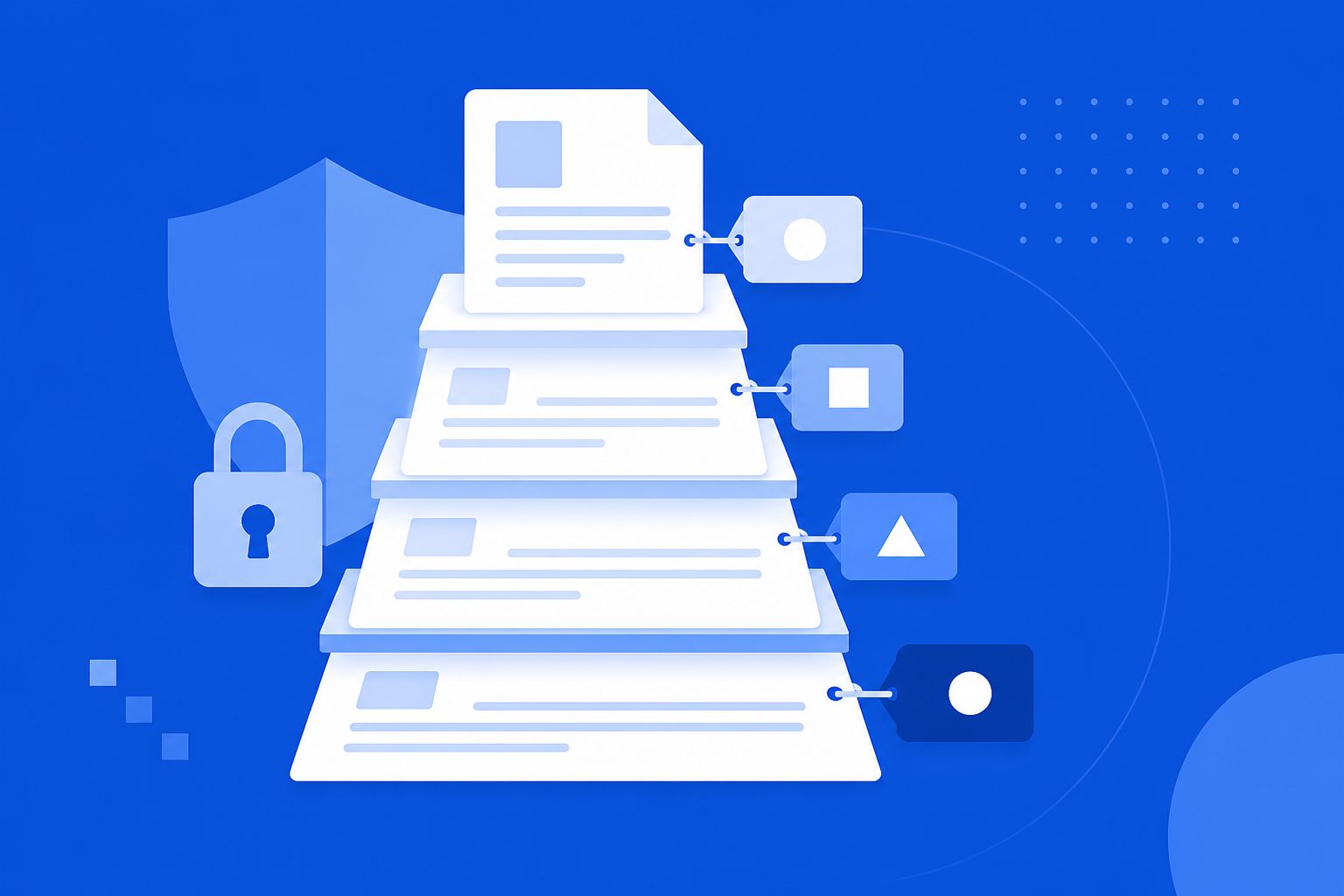
A label model that survives first contact with users
Sensitivity labels can classify and protect documents, emails and supported collaboration content. Value depends on the structure. Twelve overlapping names get ignored. Encryption that blocks a legitimate counsel review gets worked around.
Ghani Governance designs a Microsoft Purview Information Protection approach from how information is actually created and shared. Microsoft documents the product in the Information Protection documentation and the create and publish sensitivity labels guide; we do the taxonomy, publishing, testing and adoption. A data classification policy is the usual written input; we map it in a Policy-to-Purview design report before labels go live.
What we configure
Label taxonomy
A short hierarchy with names a new joiner can apply without a training day. See designing a sensitivity label taxonomy.
Protection settings
Access and encryption choices tied to harm of disclosure, not a default “encrypt everything”.
Publishing strategy
Pilot groups before the whole tenant sees a new prompt.
User testing
We watch whether people understand the names. If they do not, we rename before rollout.
DLP alignment
Labels become something DLP can reason about, instead of two disconnected programmes.
DLP implementation · Policy to Purview design · Unified Catalog · DSPM for AI · data lifecycle · All Purview services
Indicative ranges
| Service | Planning range | Typical mid-point |
|---|---|---|
| Label strategy workshop | £1,200–£2,500 | £1,850 |
| Sensitivity label pilot | £2,500–£5,000 | £3,750 |
| Full information protection rollout | £5,000–£12,000 | £8,500 |
Indicative only. Complexity, user groups, existing labels and DLP integration change the figure. Not a quote.
How we deliver labels
Understand the landscape
Existing classifications and the real handling paths.
Design the taxonomy
Hierarchy, purpose, expected user behaviour.
Configure protection
Settings and publishing for the pilot scope.
Test with users
Names, prompts, and what happens when someone opens a labelled file.
Roll out in stages
Wider groups with communication, not a Friday surprise.
Label questions
How many sensitivity labels should we have?
Usually fewer than people first draft. If a user cannot choose in two seconds, they will pick the default or ignore the prompt. We design for that behaviour.
Do labels replace DLP?
No. Labels classify and can protect a file or email. DLP watches movement and sharing. They should be designed together so a “Confidential” label is meaningful to a DLP rule.
Will encryption break collaboration?
It can. Protection settings are tied to the harm of disclosure, not switched on because the checkbox exists.
Related Purview services
Other Ghani Governance Microsoft Purview services on this hub that often sit alongside sensitivity labels and information protection:
- Microsoft Purview DLP implementation — outbound sensitive-content controls that labels classify for but do not replace
- Policy to Purview design — mapping written classification policies before labels go live
- Unified Catalog and data governance — domains and ownership that labels alone cannot invent
- DSPM for AI — AI interaction risk where Copilot or agents touch labelled content
- Data lifecycle and records management — retention and records alongside classification
- All Microsoft Purview services — full hub list
Data classification, masking and tokenisation
Data classification is deciding how sensitive each item is; sensitivity labels record that decision. Azure Information Protection (AIP) was the earlier Microsoft product; its unified labelling add-in for Office was retired in April 2024, replaced by labelling built into Office apps and, for files outside Office, the Microsoft Purview Information Protection client. Data masking and tokenization (tokenisation) hide sensitive values in outputs and databases – Purview DLP and ISO 27001 control A.8.11 address masking, while tokenisation is usually done in the application or database layer. Data labeling for machine learning, where records are annotated for model training, is a different activity, but the same classification scheme should govern what data is allowed into AI training sets.
What replaced Azure Information Protection?
Microsoft Purview Information Protection. Sensitivity labels are now built into Office apps, and the Purview Information Protection client covers file labelling and scanning outside Office. If your organisation still has AIP-era labels, they can usually be migrated to unified sensitivity labels. That is often the first step of our sensitivity labels work, and of preparing for Microsoft 365 Copilot.
Book a discovery workshop
A scoping conversation about what you need to protect, what is already configured, and what must not break.